Instructions
eSIM Supported Devices
Customers need to confirm if they have an eSIM enabled device. The main way is to look up their device name and see if it is a supported device.
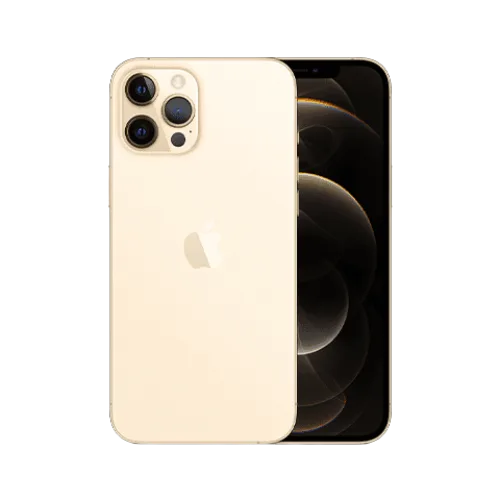
Apple iPhone 12 Pro
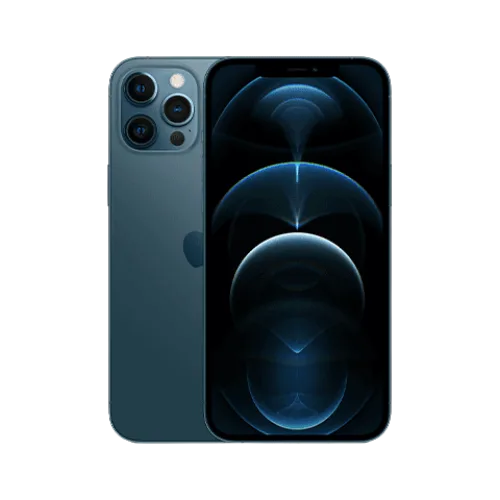
Apple iPhone 12 Pro Max
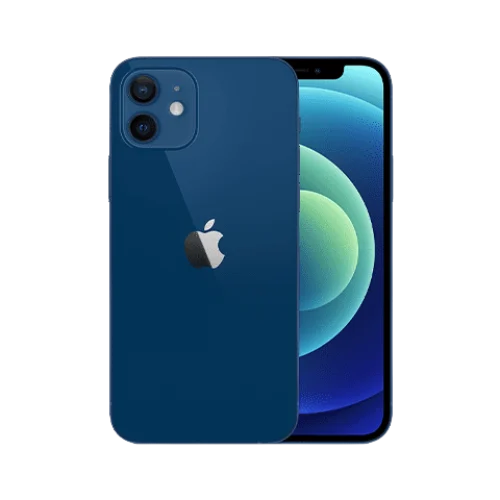
Apple iPhone 12
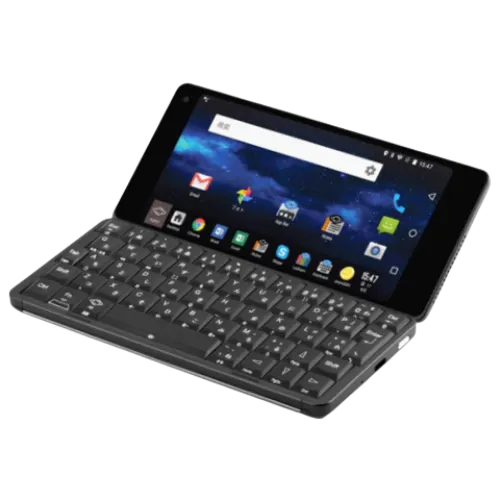
Gemini PDA
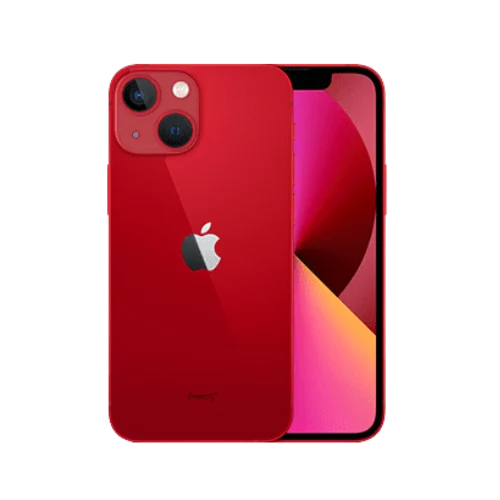
Apple iPhone 13 Mini
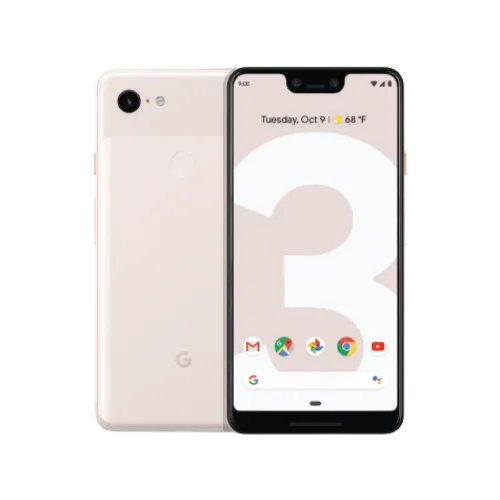
Google Pixel 3, Google Pixel 3XL
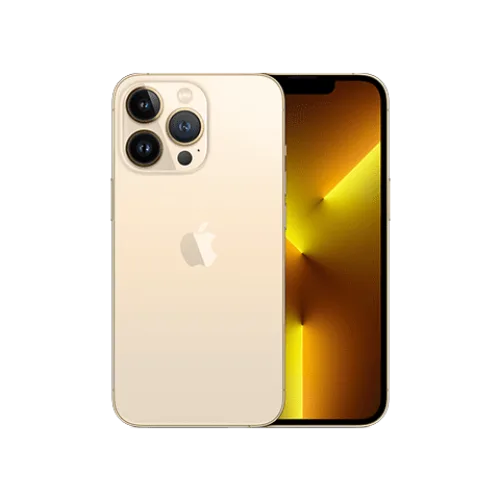
Apple iPhone 13 Pro
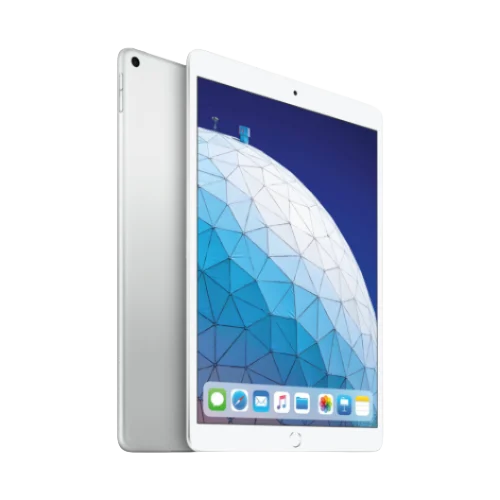
iPad Air (3rd Generation)
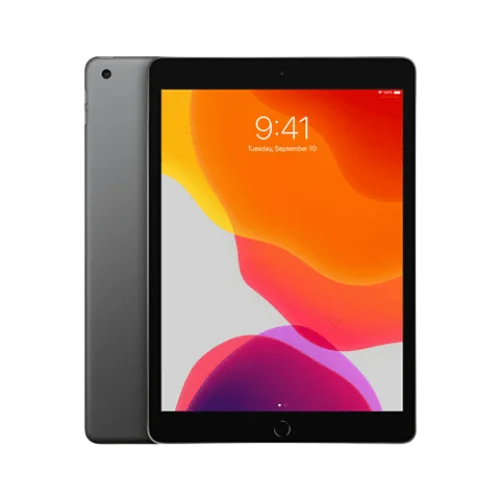
iPad (7th generation)

Huawei Watch 2 Pro
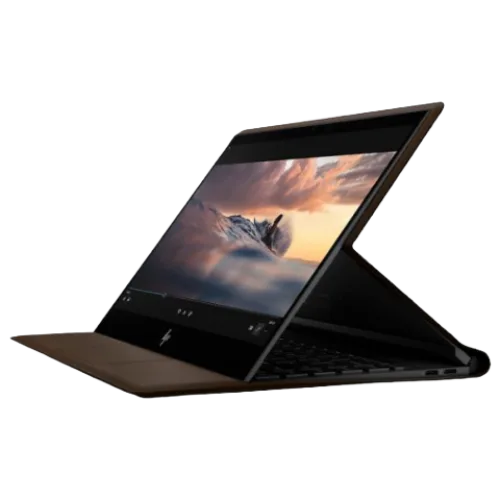
HP Spectre Folio
Google Pixel 3, Google Pixel 3XL
Gemini PDA
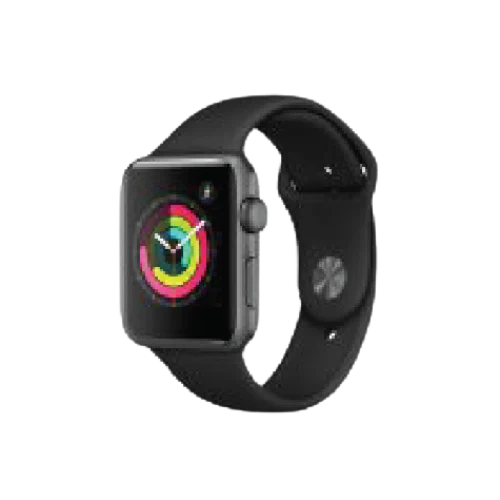
Apple Watch series 3 & 4
How does eSIM from eSIMplify work?
DOIT ESIM allows you to instantly activate mobile data services by scanning a QR code,
providing seamless connectivity without a physical SIM card.
1
choose the destination
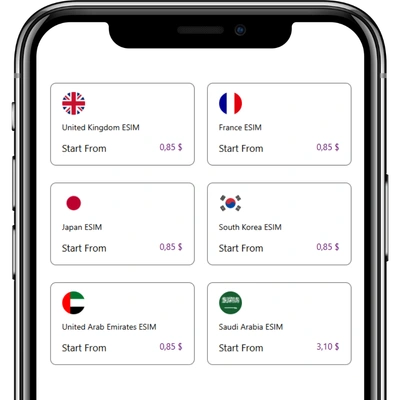
2
Select your plan
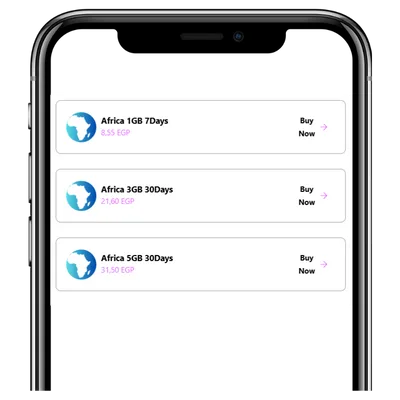
3
Complete payment
4
Receive your ESIM code
- Scan the eSIM code, and Select “Cellular Plan”.
- Tap on “Add Cellular Plan”.
- Set different labels for your current SIM and eSIM, like “Personal” and “Travel,”
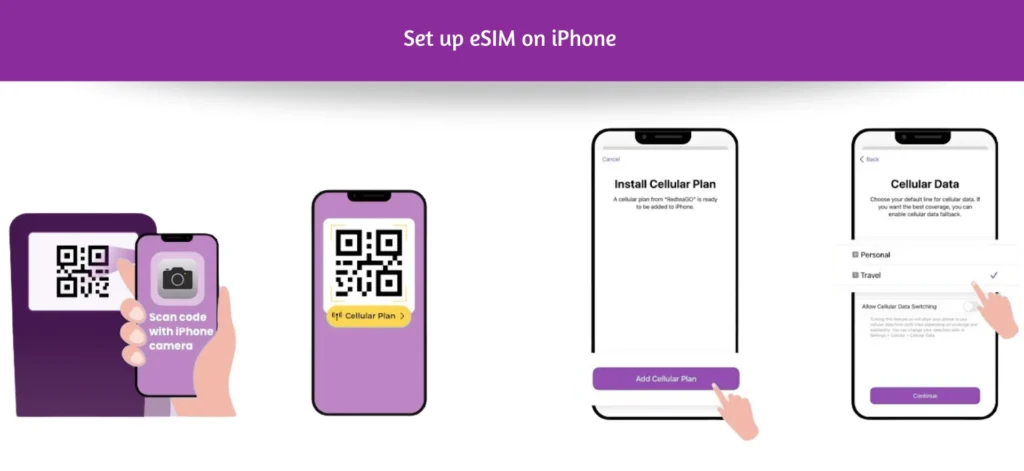
- Scan eSIM code and Tap on “Add plan to phone”.
- Click “Confirm”, Go to “SIM card manager”.
- Tap on “Add mobile plan”.
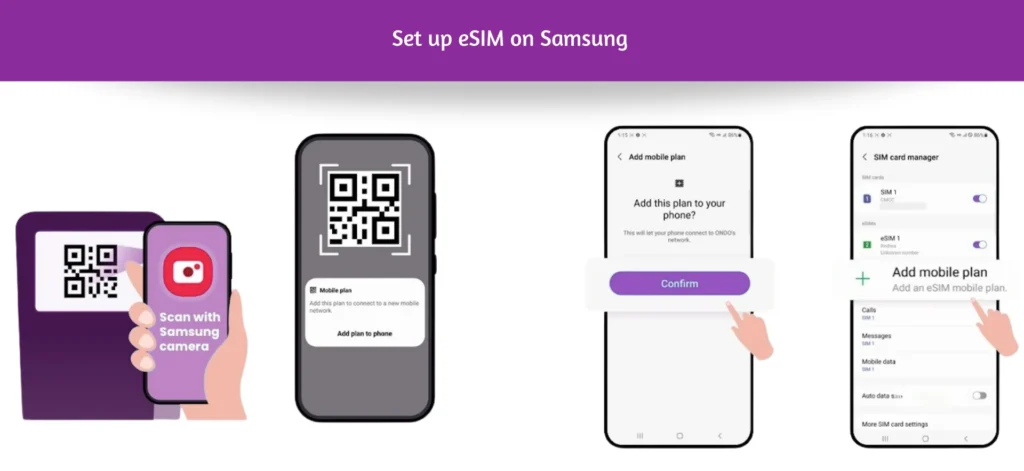
- Go to Settings and follow the steps on the right side.
- Go to “Download your eSIM”, Tap on “Next”.
- After scanning the code, turn on “Mobile data” and “Roaming”.
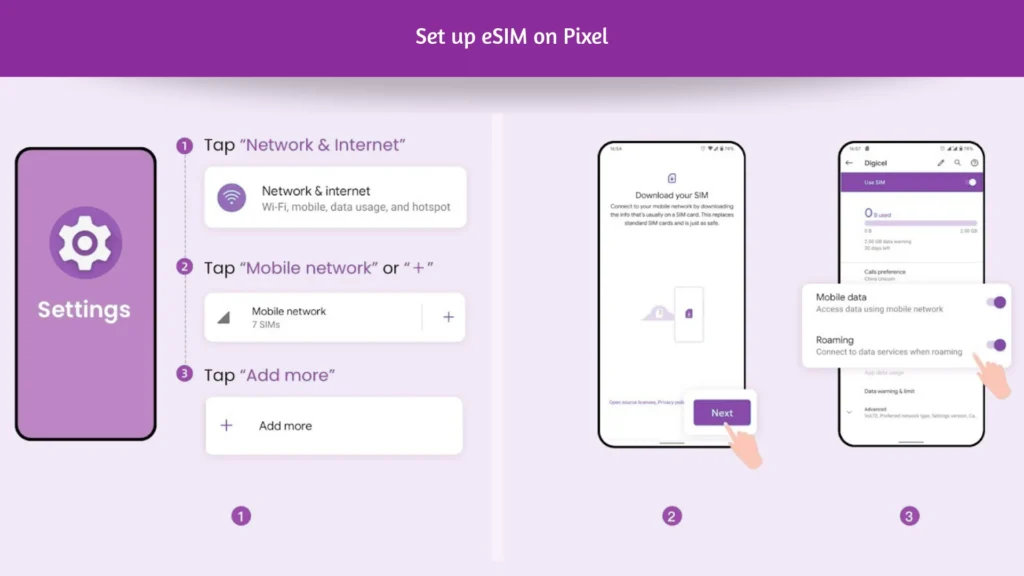
- Go to Settings > SIM card and Mobile/Cellular Data.
- Select eSIM.
- Accept the terms and continue.
- Select Add eSIM.
- Follow the instructions on the screen until you get the option to scan QR code.
- Scan the QR code that your operator gave you.
- Wait for the installation to be completed.
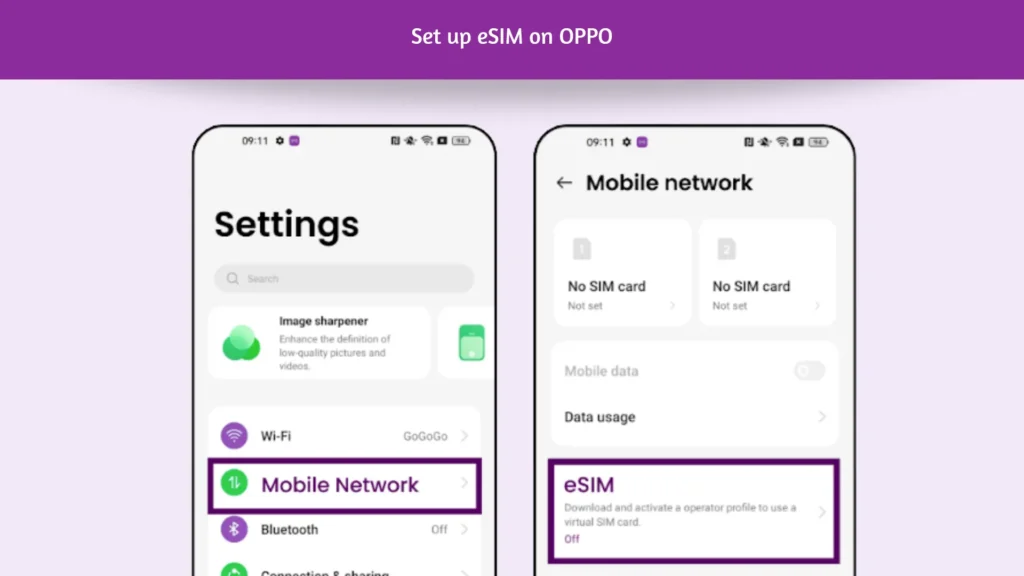
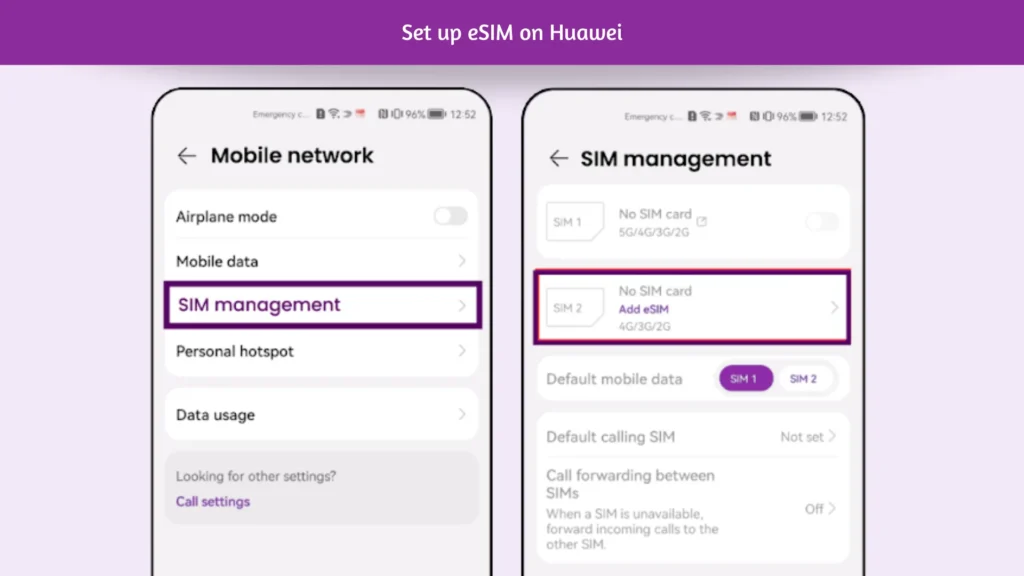
- Go to Settings> Mobile network> SIM management. Even if your device only supports one physical SIM card, SIM 1 and SIM 2 options are displayed. The eSIM card is installed in the SIM 2 slot by default.
- Go to SIM 2 > Add eSIM to scan the QR code received from your network carrier.
- Go into Settings.
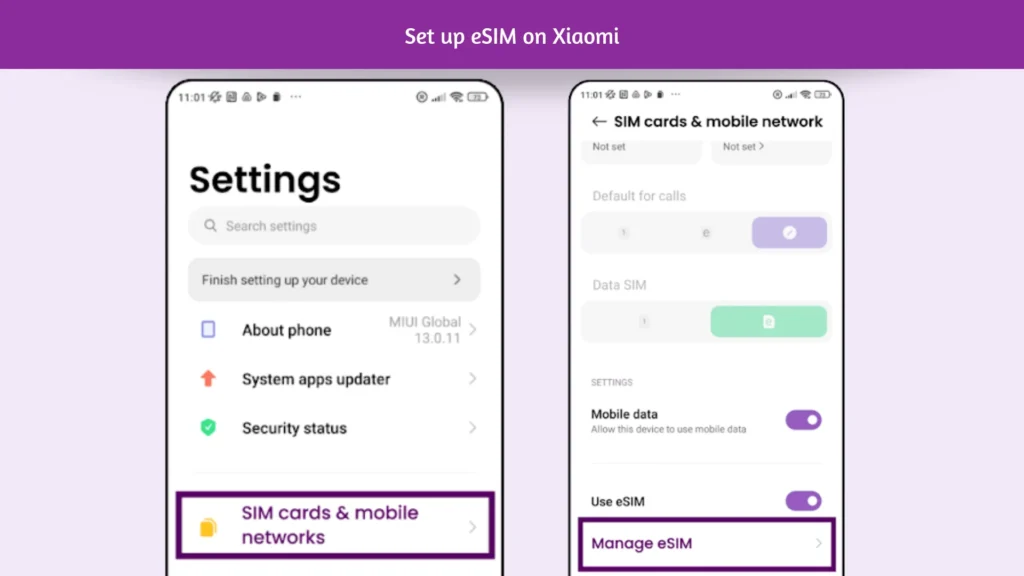
- Go into “SIM cards & mobile networks”
- Scroll down until you see the option “Manage eSIM” and click on it.
- Tap “Add mobile plan”
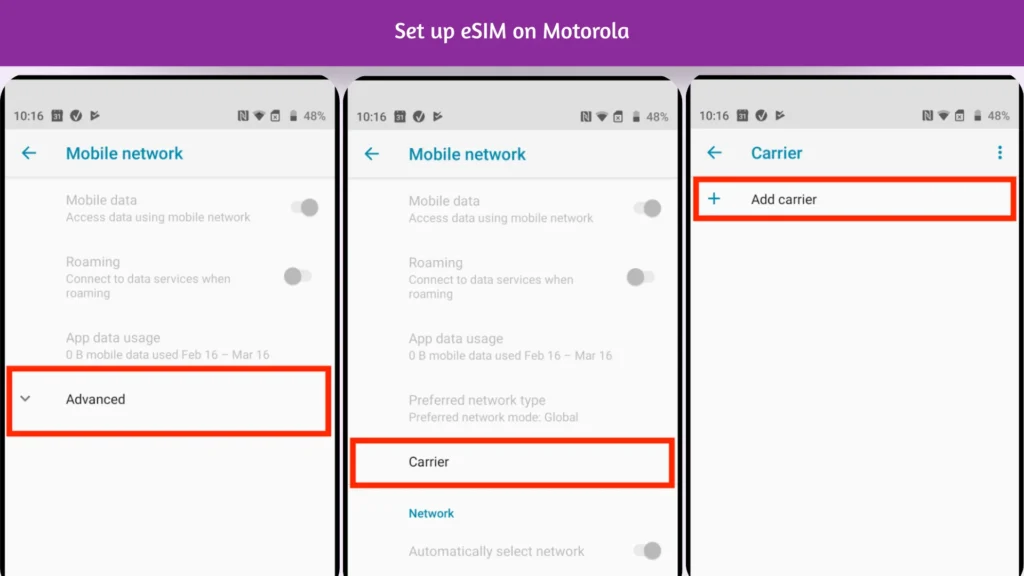
- Go into Settings.
- Click on “Network & Internet”.
- Click on “Mobile Network”.
- Click the drop-down menu named “Advanced”.
- Click on “Carrier” and Tap “Add carrier” and go next
- Scan the “QR Code” given through your eSIMs bundles account.